GymEvo logoGymEvo
Get the app

Stop guessing. Start progressing.

Plan your training, track what you eat, and see exactly what's working, all in one app.

Download on the

App Store

GET IT ON

Google Play

Free to download on iOS and Android

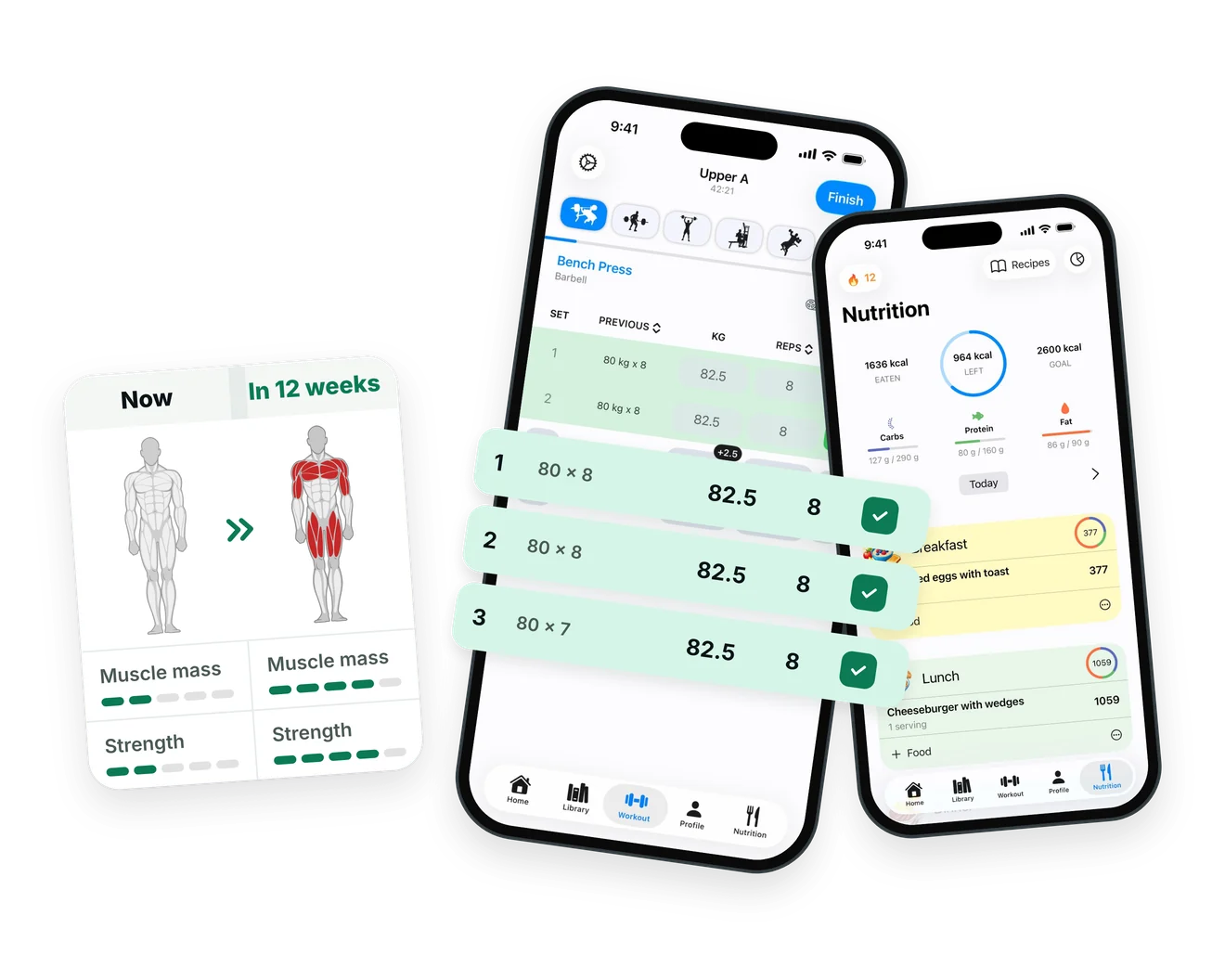
Workout progress charts, a recipe with macros, and the calorie tracker in the GymEvo app

A gym log, workout planner, and calorie tracker in one place

Training and nutrition both affect progress, so it helps to keep them in the same record. GymEvo records what you lifted and what you ate, then lets you review strength and bodyweight trends in the same app.

Train with a plan that adapts

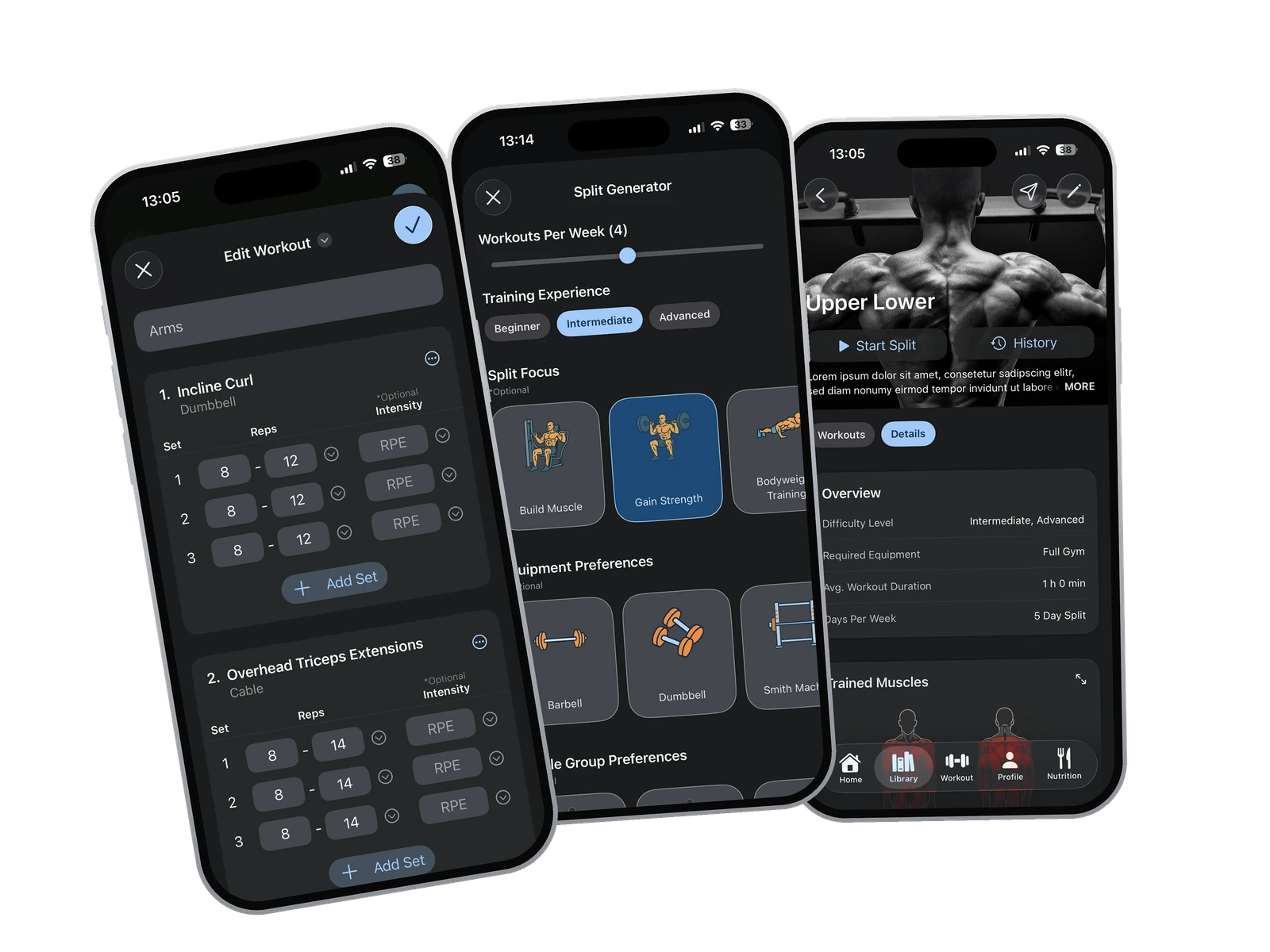
Create your own routines, import GymEvo and community programs, or generate a personalized split. Use schedules, periodization, warm-up sets, rest timers, and progression recommendations to stay on track.

Workout Planner
See what's actually improving

Charts for estimated one-rep max, volume, and bodyweight show whether the numbers are moving. Personal records, exercise goals, and weekly or monthly reviews fill in the rest.

Progressive Overload in GymEvo

Make nutrition easier to track

Search more than three million foods, scan barcodes or nutrition labels, save reusable meals, get AI estimates from a meal photo or a spoken description, set adaptable calorie targets, and log recipes.

Build Muscle with GymEvo

Features

What you can do in GymEvo

Workout logging screen in the GymEvo gym log app

01

Log every set while you train

  • Track weight, reps, timed sets, RPE, and notes while seeing previous performance and current targets

  • Use smart progression, calculated warm-up sets, and automatic or manual rest timers

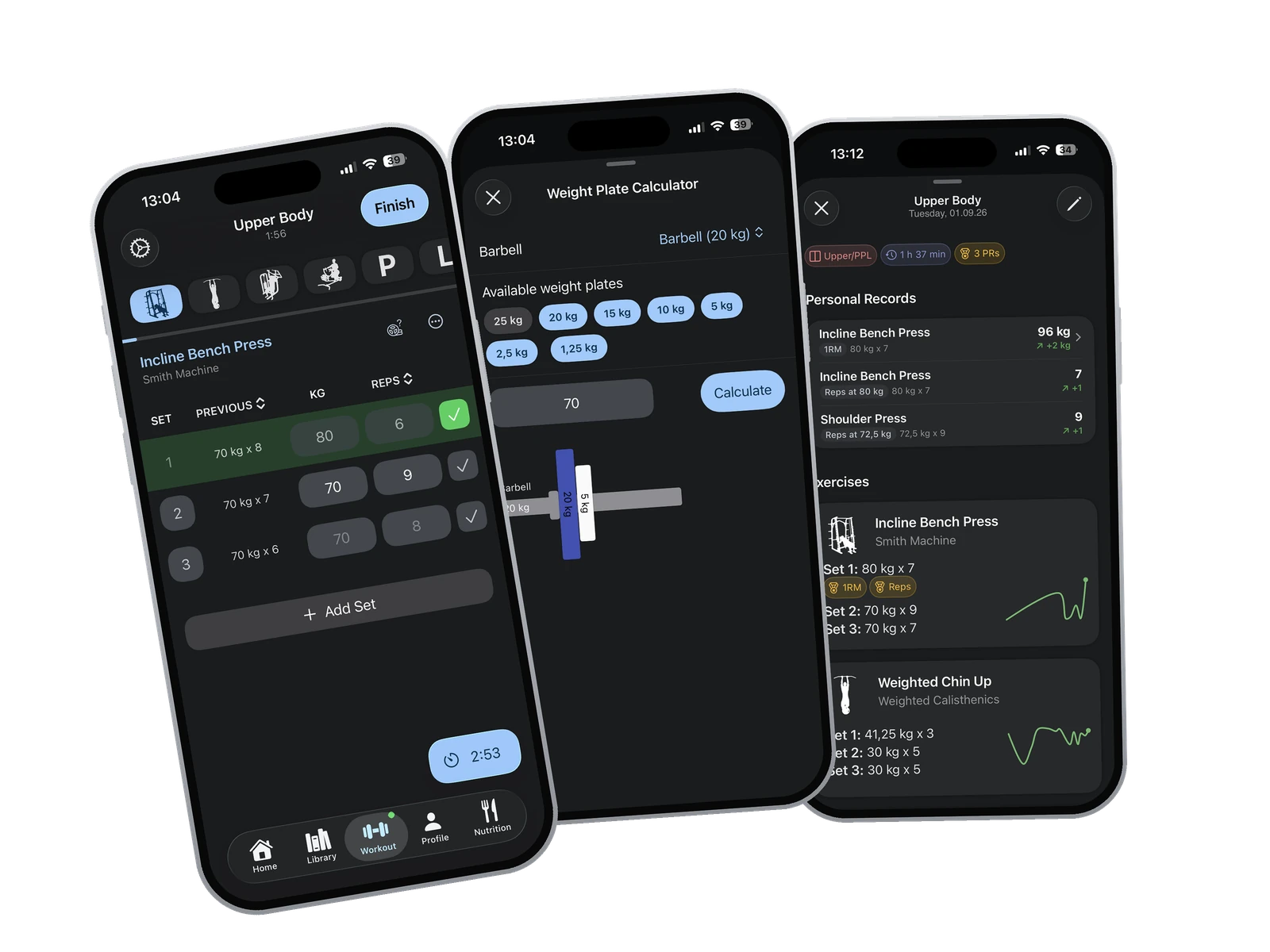
  • Start a scheduled or quick workout, adjust it as you train, and load the bar with the built-in plate calculator

Custom workout routine builder in the GymEvo app

02

Build a training plan around your goals

  • Create and schedule custom routines, import GymEvo and community programs, or generate a personalized split

  • Set up automatic progression or a custom multi-week periodization cycle for each exercise

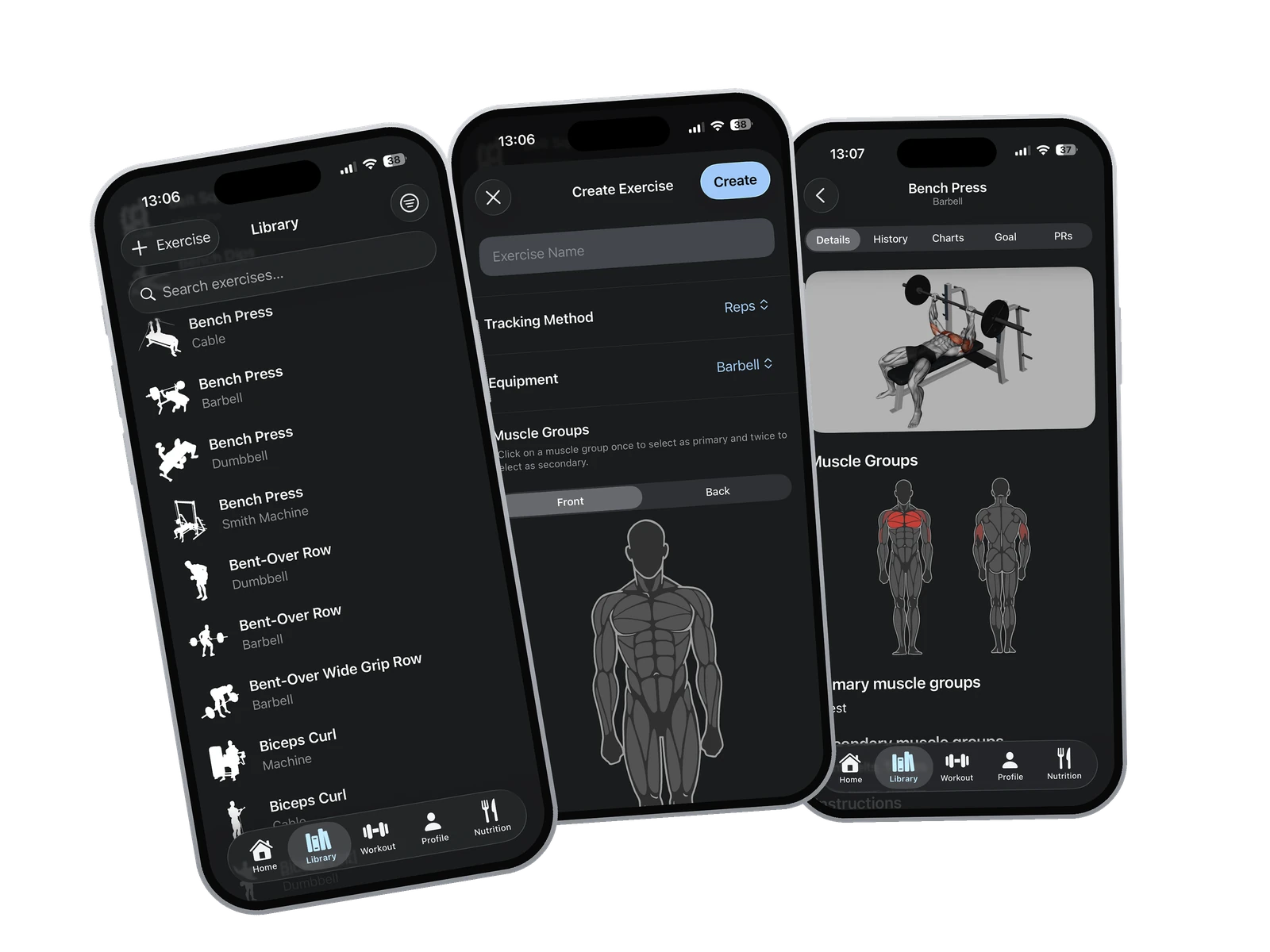
Exercise database with instructions and videos in GymEvo

03

Find and create the right exercise

  • Search and filter exercises by muscle group and equipment, with instructions and demonstration videos

  • Create custom rep- or time-based exercises with your own instructions and optional video

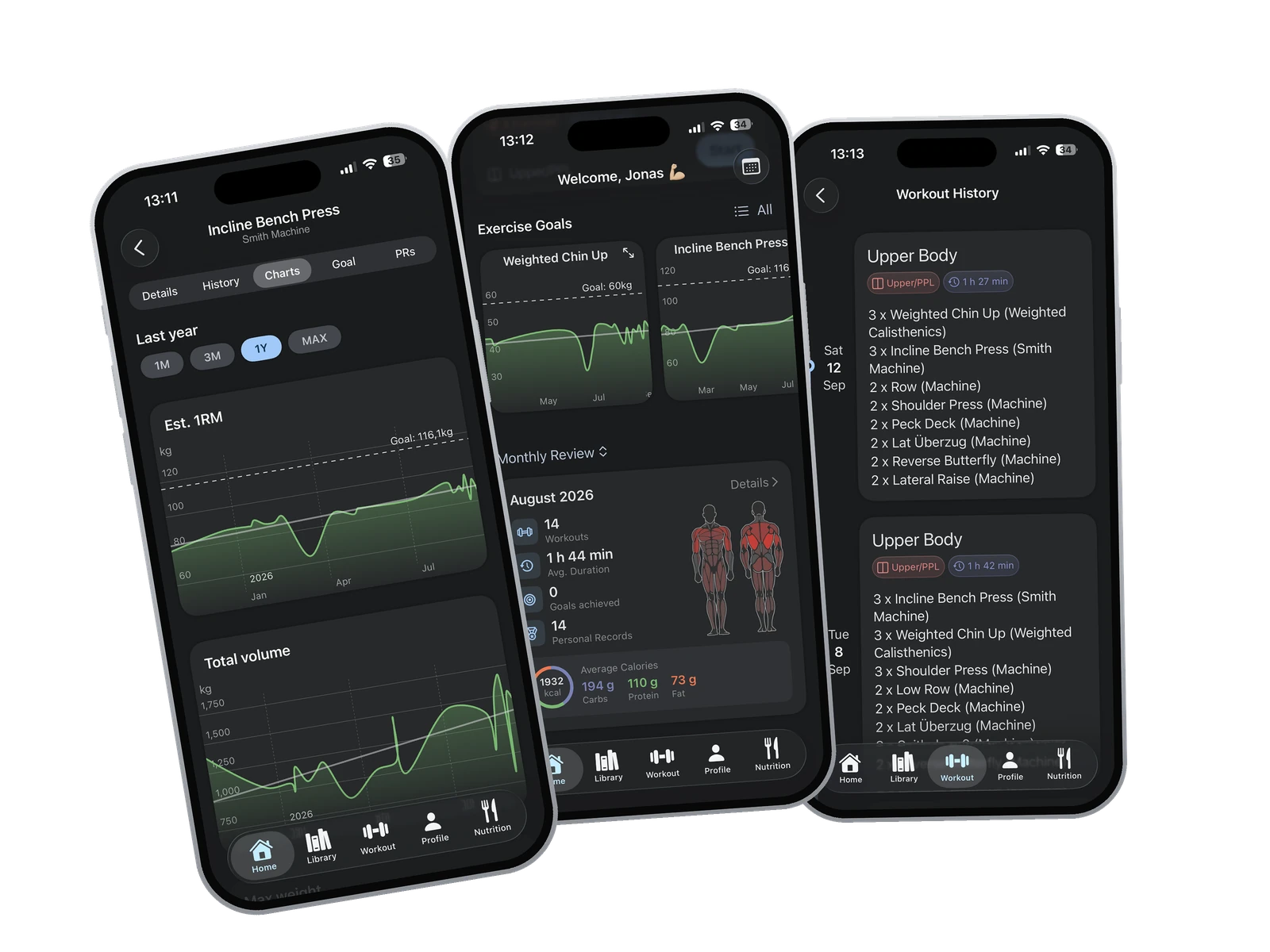
Workout progress charts in the GymEvo app

04

See whether your lifts are actually moving

  • Chart estimated one-rep max, maximum weight, reps or duration, total volume, and rep-range distribution for any exercise

  • Switch any chart between the last month, three months, year, or your whole history

  • Browse every completed workout and open weekly and monthly reviews of consistency, muscles trained, and calories

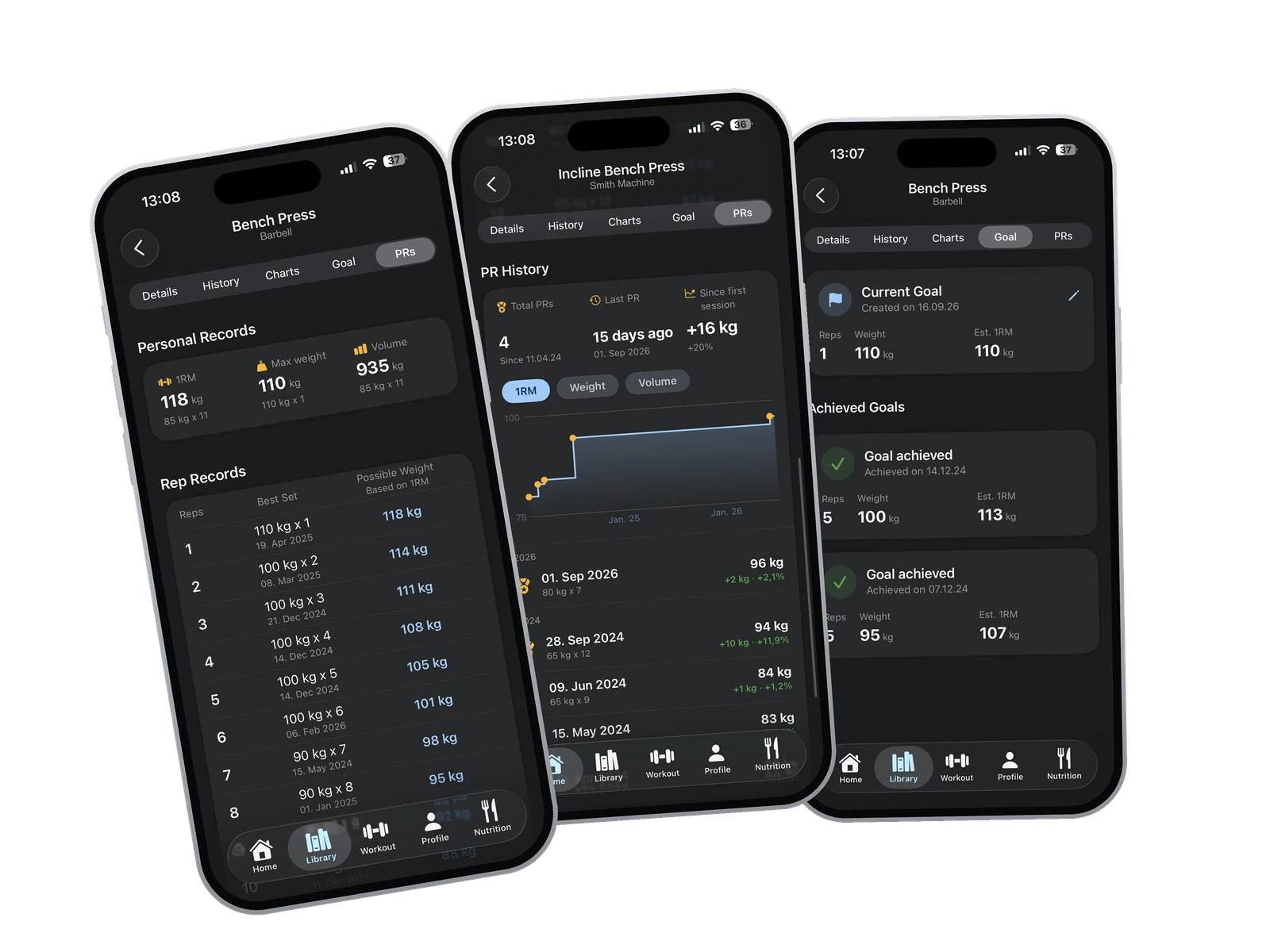
Personal records and PR history in the GymEvo app

05

Keep every personal record on file

  • Track records for estimated one-rep max, maximum weight, reps, time, and volume, plus your best set at every rep count

  • See every personal record you've set, when you set it, and how much you gained each time

  • Set a target for reps, weight, volume, time, or estimated one-rep max and keep your achieved goals on record

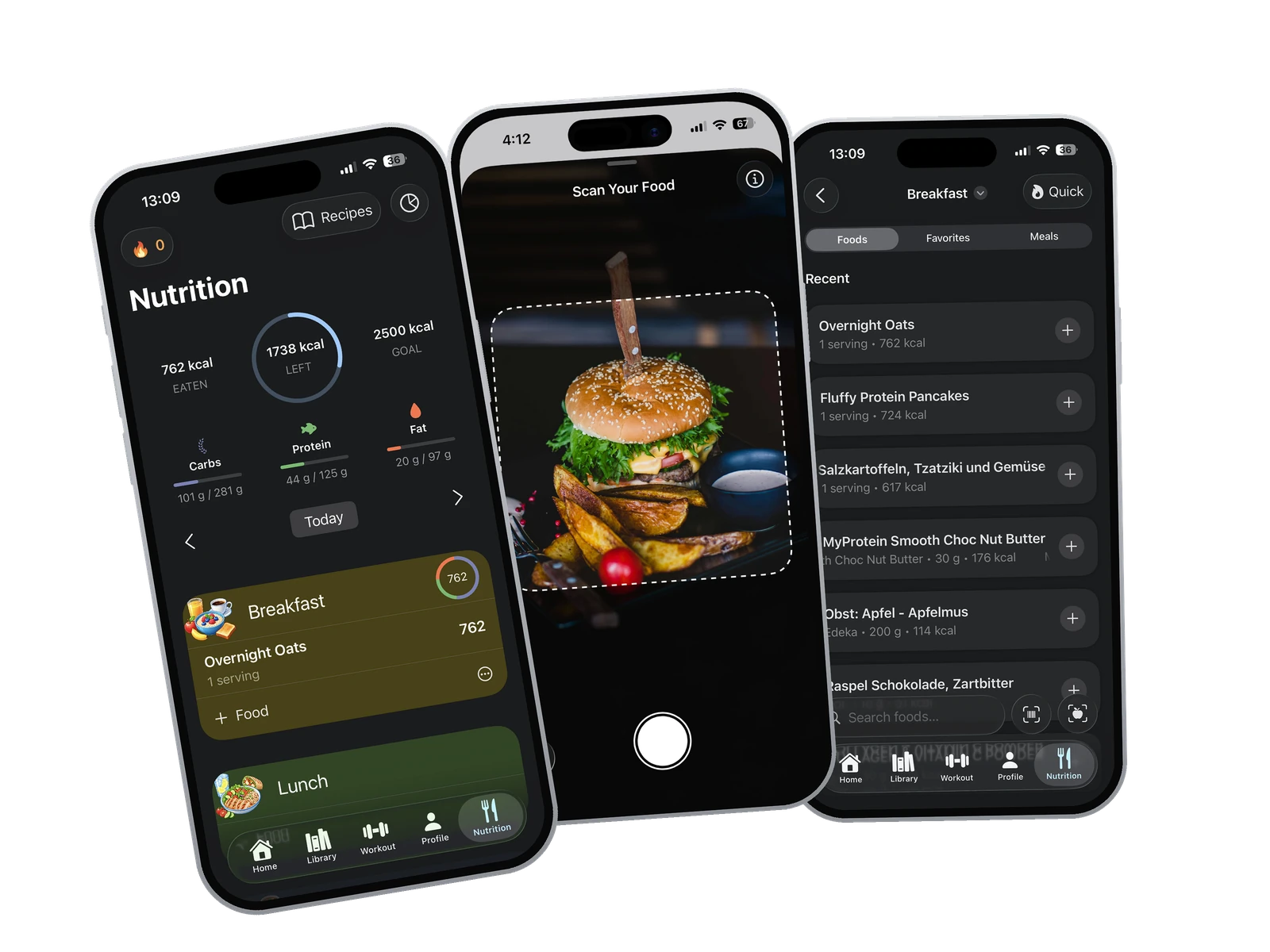
Calorie and food tracking screen in the GymEvo app

06

Track nutrition without the busywork

  • Search more than three million foods, scan barcodes, and create reusable foods and meals

  • Photograph a meal or describe it by voice for an editable AI estimate, or scan a nutrition label to prefill its values

  • Set calorie and macro targets that can adapt to your bodyweight goal and recent progress

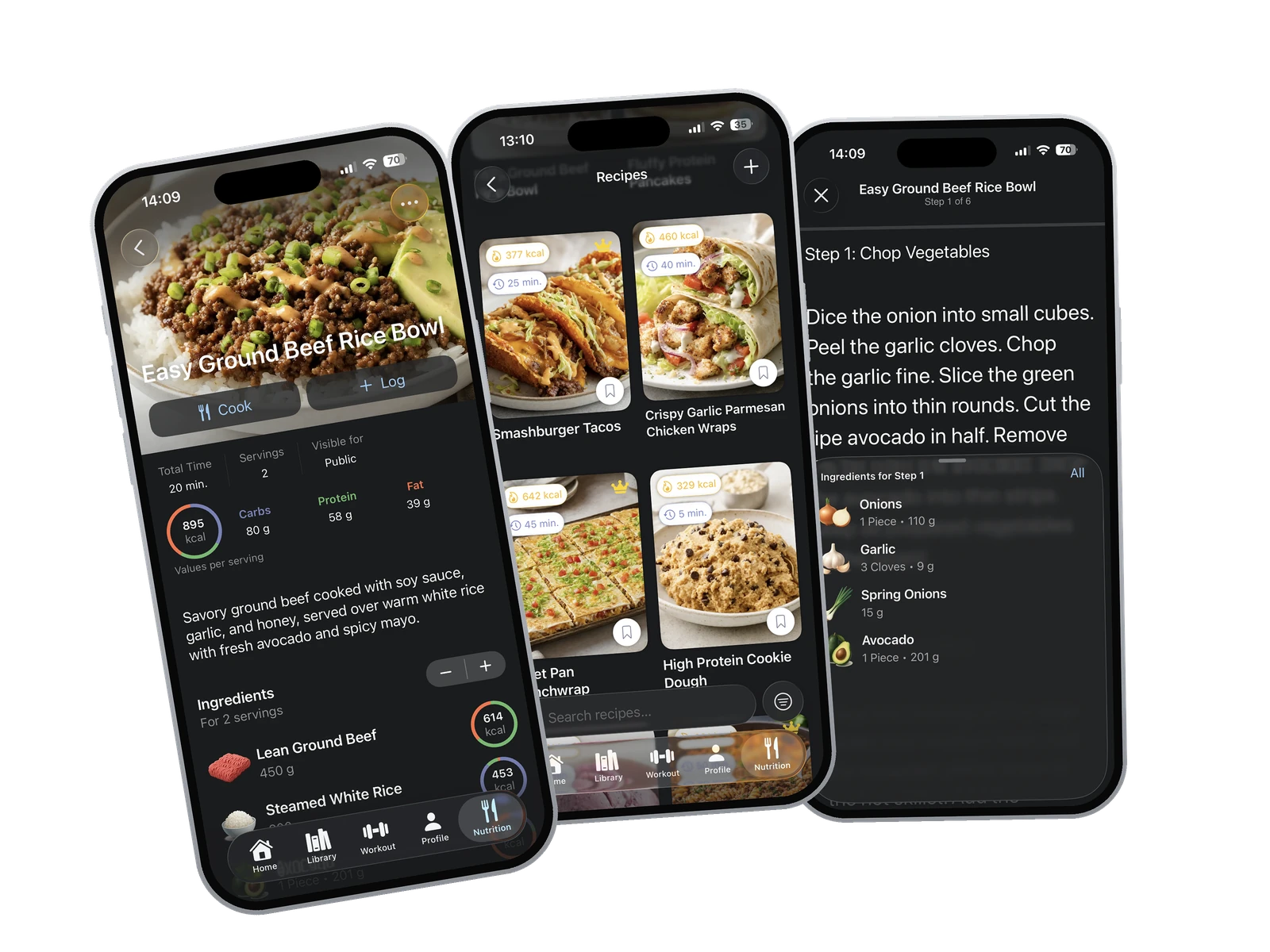
Fitness recipes, recipe details, and Cook Mode in the GymEvo app

07

Cook recipes that fit your macros

  • Search recipes by meal, diet, dish type, or calorie range, and check the macros per serving before you start

  • Follow the steps in Cook Mode, with the ingredients for each step and timers where you need them

  • Log a recipe to your day with the servings you actually ate, and save the ones you want to cook again

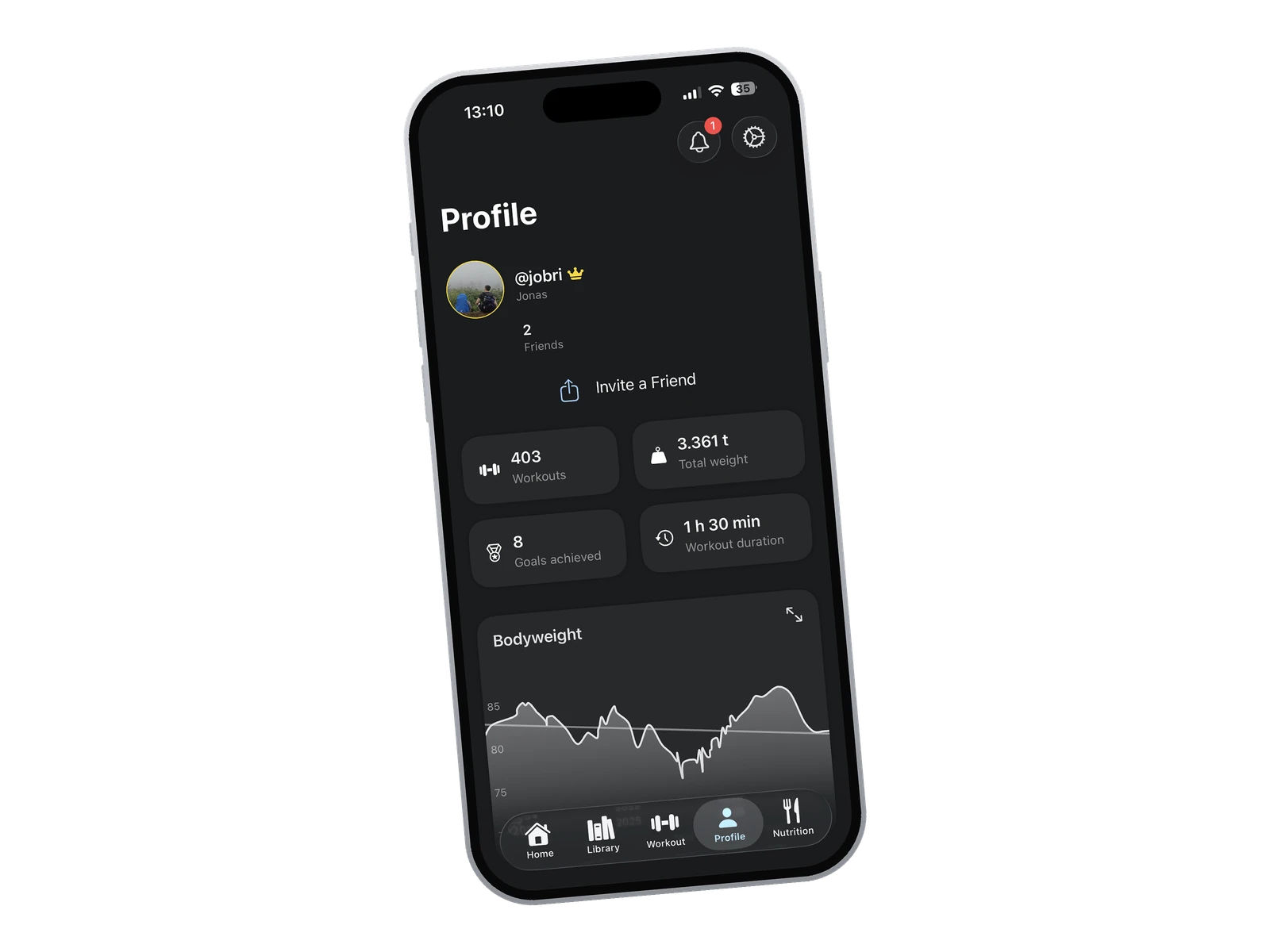
Profile with training stats and friends in the GymEvo app

08

Train alongside your friends

  • Share your splits and workouts with friends, and open the ones they send you

  • Find friends, send friend requests, and see how they're training

  • Keep a profile with your training stats and choose what friends can see

Some features require GymEvo Premium, an account, internet access, or device permissions. Availability and free limits can vary by platform and region.

Workout log: app, notebook, or spreadsheet?

All three work as long as you log every session. They differ in what happens after you write a set down: a notebook does no math, a spreadsheet does only the math you build into it, and a workout log app shows last session's numbers and the trend without extra work.

Paper notebook

Fast, cheap, and it never runs out of battery. To find last week's numbers, though, you flip back through pages mid-workout, and records, volume, or an estimated one-rep max are yours to work out by hand.

Spreadsheet

Excel or Google Sheets calculate and draw charts once you build the formulas. Typing into cells on your phone between sets is fiddly, and if you copy the session over in the evening instead, that step is easy to drop.

Workout log app

GymEvo shows last session's numbers on the exercise you are logging, keeps your personal records, and charts estimated one-rep max and volume without a single formula. You need a phone and a free account, and you can export your data at any time.

What to write in a workout log and how to read it
GymEvo logo

Start tracking your training

Download GymEvo and keep your workouts, nutrition, and progress in one place.

Download on the

App Store

GET IT ON

Google Play